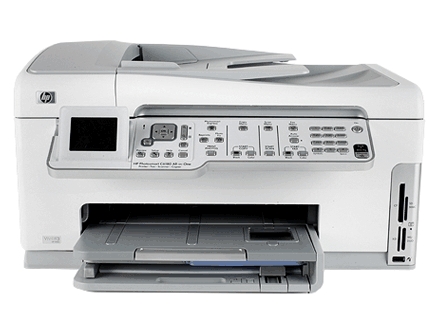
 This guide introduces basic operations and troubleshooting, as well as providing information for contacting HP support and ordering supplies.
The onscreen Help details the full range of features and functions, including use of the HP Photosmart software that came with the HP All-in-One.
Use the HP All-in-One to quickly and easily accomplish tasks such as making a copy, scanning documents, or printing photos from a memory card. You can access many HP All-in-One functions directly from the control panel, without turning on your computer.
Download HP Photosmart C6100 All-in-One series. Basics Guide